Families need more than a chat window to stay informed about an older relative in residential care: they need dated care records, safe communication, clear permissions, and alternatives when technology fails. By the end, you will know which functions to compare, how access and privacy should work, and how to judge whether an app suits a particular resident and care facility.
Key takeaways
- Choose updates that record the action, time, resident and responsible staff member.
- Give family members only the permissions they need for care coordination.
- Design resident access around consent, assistance needs and privacy.
- Compare app workload with the facility’s daily care routines.
What an Old Age Home App in Pune Should Actually Do
An old age home app in Pune becomes a care-coordination system when every update connects a resident, an action, a time and an accountable staff member. A family chat can say “All well”; a care system shows what was checked, when it happened and who recorded it.
Its core record should include:
- Attendance or current whereabouts
- Completed care tasks
- Incidents and unresolved follow-up
- Appointments and outcomes
- Medicines and administration notes
- Family messages and successful contact attempts
The family view should expose evidence, not only reassuring labels. Show the last welfare check, the time of the last successful family contact, unresolved incidents and the staff role assigned to follow up.
If the internet fails, mark entries as pending, retain the original event time, prevent duplicate submissions after reconnection and provide a phone or paper fallback for urgent instructions.
Access must be individual and permission-based. A resident, legal representative or authorised contact should control visibility for routine updates, medical information, photographs, financial records and emergency contacts. Separate consent is needed for images or group posts; care-information consent does not authorise publication. Remove a relative’s access without changing everyone else’s login.
Ask whether health-record exchange uses ABHA/ABDM consent mechanisms. A private family dashboard is not automatically a clinically shareable record.
Functions to Compare Before You Give an App Family Access
Compare the records, not the number of buttons. A useful elder care mobile app in Pune shows what happened, when it happened, and which staff member recorded or owns the follow-up.
| Function | Evidence to compare | Failure to catch |
|---|---|---|
| Resident and whereabouts | Current location or attendance, last welfare check, timestamp, author | “All well” gives no time, definition, or accountable person |
| Care tasks and incidents | Completed tasks, unresolved incidents, severity, assigned role, follow-up time | A closed-looking status hides an unanswered concern |
| Medicines and appointments | Medicine name, dose, schedule, missed-dose note; appointment outcome and next action | A reminder exists without proof that the dose or visit occurred |
| Visits and emergency contacts | Booking status, visitor details, contact priority, call history | Families arrive unannounced or staff call the wrong person |
| Messages and video calls | Staff-to-family thread, delivery status, last successful contact, accessible video calling | A sent message is mistaken for a welfare check |
| Billing and documents | Dated invoices, receipts, care plans, consent forms, discharge or referral records | Important files sit in personal chats with no version history |
Ask whether each record can be corrected without erasing its audit trail. The app should identify the staff role responsible, retain timestamps, and flag unresolved items rather than display a reassuring colour.
Compare photo sharing and group updates separately from medical information. Consent to receive care details does not permit publishing a resident’s image, and access should be revocable when a relationship changes.
Ask for the privacy notice: what data is collected, why, who receives it, and how consent is handled under the Digital Personal Data Protection Act, 2023. If the provider claims health-data exchange, ask whether it supports ABHA/ABDM consent-based exchange; a private dashboard is not an interoperable clinical record.
How Family Permissions, Consent and Privacy Should Work
Access should begin with an individual account, not shared family credentials.
The resident, legal representative, or authorised contact should approve the relationship and receive a plain-language notice explaining what data is collected, why it is collected, who receives it, and how consent or another lawful basis is used under the Digital Personal Data Protection Act, 2023.
For family access to an old age home in Pune, identity verification and a recorded consent decision are essential.
Give each relative only the permissions they need:
- Routine updates, attendance, whereabouts, and care-task completion
- Medical updates, medicines, appointments, and incident reports
- Photographs and videos, including whether group sharing is allowed
- Video calls and private messages
- Financial records, billing documents, and emergency contacts
Consent to receive medical information does not permit staff to publish photographs or add someone to a family group. Record those choices separately, with Marathi and English consent text, clear “allow” and “decline” buttons, and an assisted staff or telephone option for residents who cannot use a smartphone.
A resident or authorised decision-maker should be able to change permissions without creating a new account. If a relationship ends, a contact dies, or the resident withdraws consent, deactivate that person’s access immediately, cancel active sessions, and stop notifications. Keep an audit trail showing who approved, changed, viewed, or removed access.
Offer password recovery only after identity checks; never restore access through a shared family login.
Designing Access for Residents Who Need Assistance
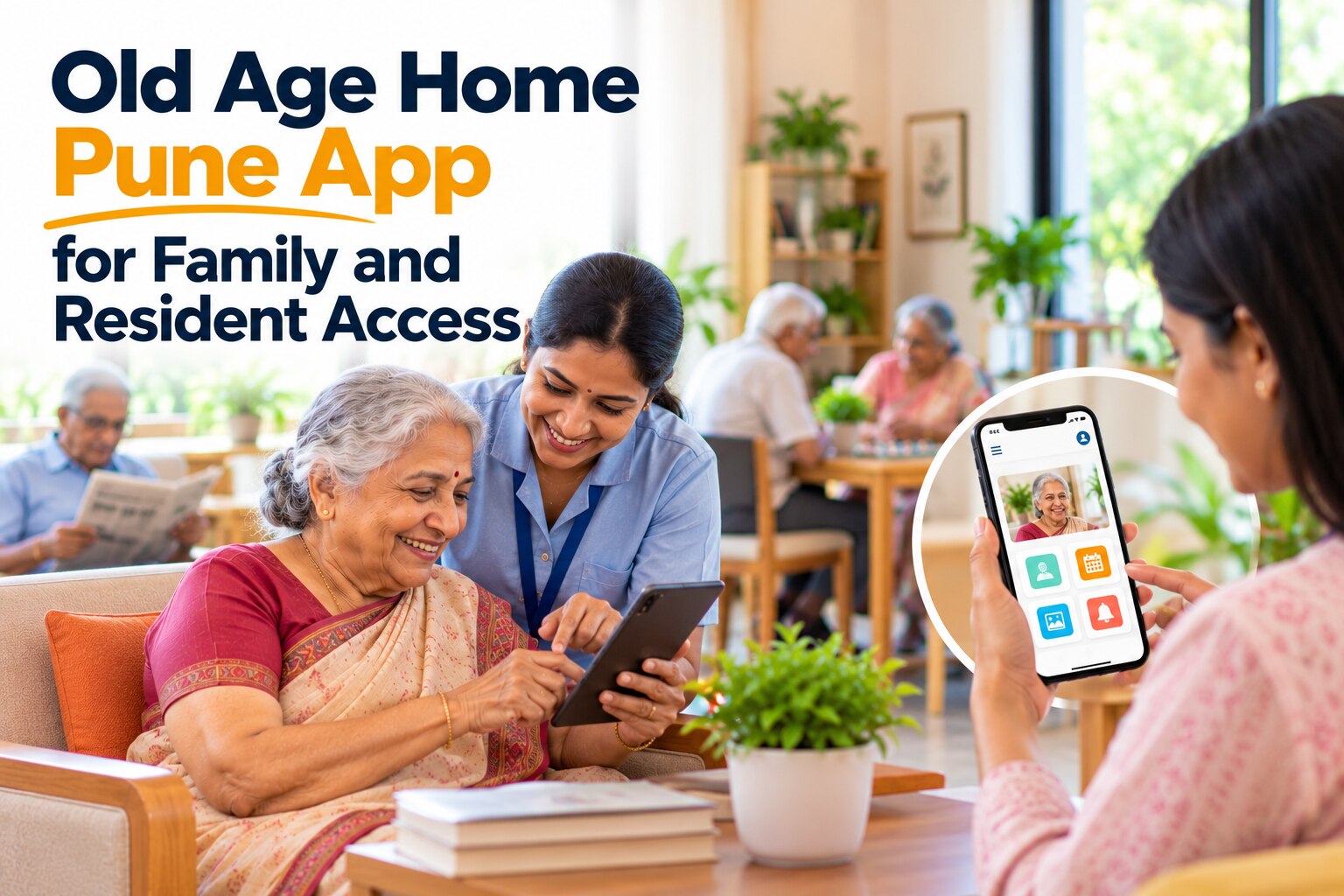
A senior resident app in Pune must offer more than a smaller family-chat screen. If a resident cannot use a phone, the care team still needs a reliable way to capture requests, consent, refusals, appointments, and daily updates.
- Use large text, high contrast, clear icons, screen-reader labels, and buttons with enough space for limited vision or unsteady hands.
- Add captions, written transcripts, visual alerts, and adjustable volume for residents who cannot hear an incoming call or notification.
- Keep memory tasks to one action at a time: “Call daughter,” “Confirm medicine,” or “Request help.” Use spoken and visual reminders, with staff confirmation for important responses.
- Translate the complete workflow into Marathi and English, including medication labels, emergency instructions, consent text, notification templates, and error messages. “Held,” “refused,” and “administered” must not look interchangeable.
- Provide a staff-assisted interface for residents with dementia, limited literacy, or no smartphone. Record whether the resident gave consent, made a request, or asked an authorized representative to act.
- Offer printed updates and telephone access when a resident or family member lacks a smartphone or internet connection. Let staff enter the result and time-stamp it.
- Separate permission for medical information from permission for photographs, video calls, and family-group posts. Explain collected data, its purpose, recipients, and consent choices under the Digital Personal Data Protection Act, 2023.
Test every route with the resident, not only the family member. A usable design still works after a missed notification, weak internet connection, or forgotten password.
How to Evaluate the App, the Facility and the Daily Workload
Test the app for seven days with one resident, one family contact, and the staff who would record care. A successful old age home app in Pune must save time without creating a second, incomplete care register.
- Ask the resident to complete one task: read a notification, request a video call, or report discomfort. Check large text, contrast, Marathi and English workflow, voice support, and what happens without internet.
- Ask a care worker to record a medicine as administered, refused, or held; log an incident; update an appointment; and correct an error. Confirm that each entry shows the time and responsible staff member.
- Ask the family contact to find a routine update, medical note, photograph, and emergency number. Test separate permissions, revocation, password recovery, and whether a single relative can be removed without disabling everyone.
- Count the extra workload. If staff must enter the same medicine record twice, answer duplicate calls, or chase consent on paper, the elder care mobile app in Pune is shifting work rather than reducing it.
- Read the privacy notice: it must name collected data, its purpose, recipients, and the consent or other lawful basis under the Digital Personal Data Protection Act, 2023. Image and video permissions need separate choices.
For family access old age home in Pune, ask the facility for printed and telephone alternatives. At Arpan Old Age Home, this test would help match a senior resident app in Pune to each resident’s abilities, language, and available support.
Frequently asked questions
What should an old age home app in Pune do?
It should connect each update with the resident, care action, time and accountable staff member instead of offering only general chat messages.
Which functions should you compare before giving family access?
Compare care updates, communication tools, permission controls and the work required for staff to record information accurately.
How should family permissions and privacy work?
Give each family member access based on their role, obtain the resident’s consent where possible and limit visibility to necessary care information.
How can an app support residents who need assistance?
Provide access methods that match the resident’s abilities, including staff assistance when independent phone or app use is difficult.
How should you evaluate the app and the facility together?
Check whether the app fits daily care routines, produces accountable records and adds useful coordination without creating excessive staff workload.